Codice produttore A000066
ARDUINO UNO R3 ATMEGA328P BOARD
Arduino
 Impostazioni
 Consegna rapida
Di norma, gli ordini destinati all'Svizzera sono consegnati entro 48 ore, a seconda della località.
 Spedizione gratuita
Spedizione gratuita in Svizzera per ordini superiori a 54 CHF. A tutti gli ordini inferiori a 54 CHF verrà aggiunto un costo di spedizione di 20 CHF.
 Incoterms
UPS, FedEx o DHL nolo prepagato: DDP (dazi doganali pagati da DigiKey)
 Modalità di pagamento
Conto di credito per istituzioni e imprese qualificate
Pagamento anticipato tramite bonifico bancario


 Prodotto Marketplace
Altri prodotti da Partner pienamente autorizzati
Tempo medio di spedizione 1-3 giorni; potrebbero essere applicate spese di spedizione supplementari. Consultare la pagina del prodotto, il carrello e la procedura di acquisto per i tempi di spedizione effettivi.
Incoterms: CPT (dazi doganali e imposte/IVA da versare alla consegna)
Per maggiori informazioni, visitare la pagina Assistenza

License: GNU Lesser General Public License Microcontrollers Arduino ESP32
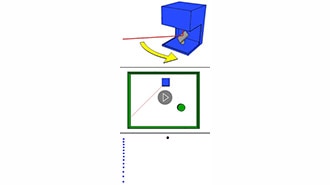
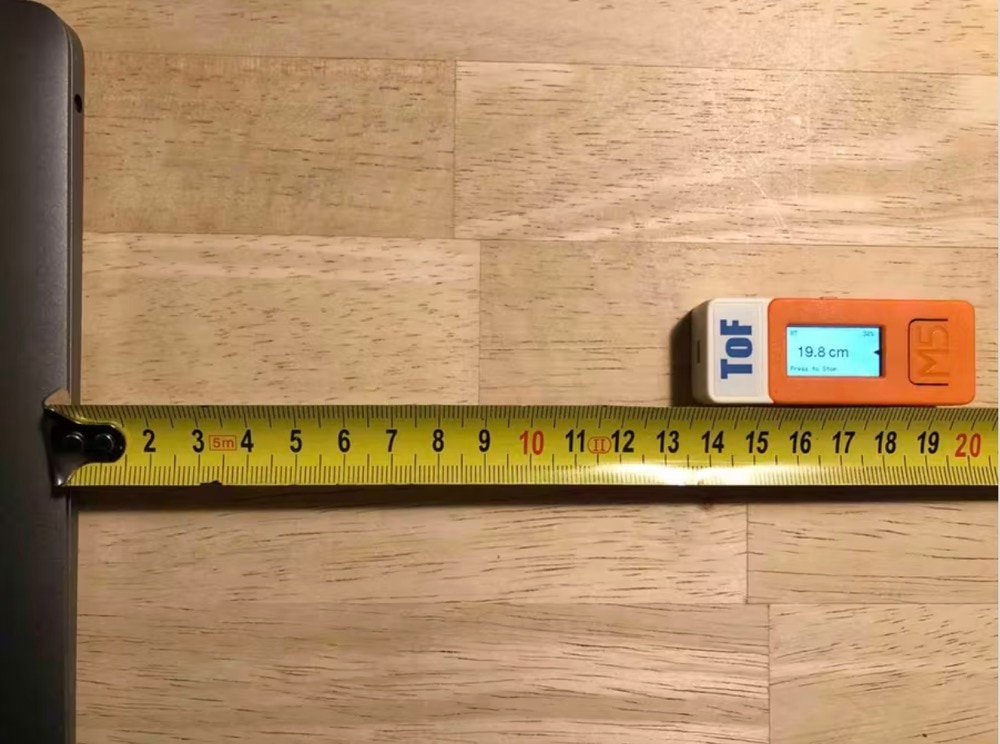
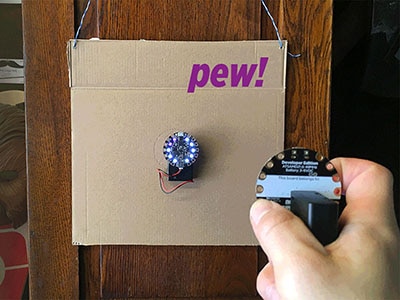
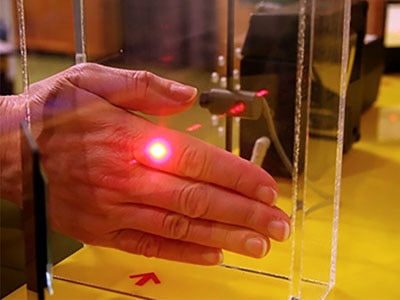
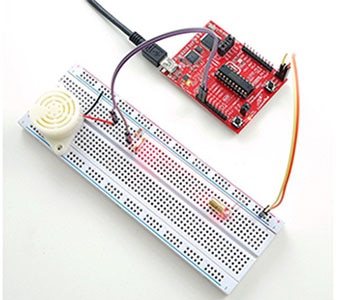
In this tutorial, we will use a LASER Module connected to Arduino UNO and Visuino to make it change its brightness using Pulse Width Modulation (PWM).
Watch the video!
WARNING: Lasers can be harmful to the eyes, and you should never look directly into the beam!
Learn more about Visuino: What is Visuino
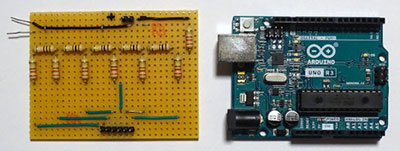
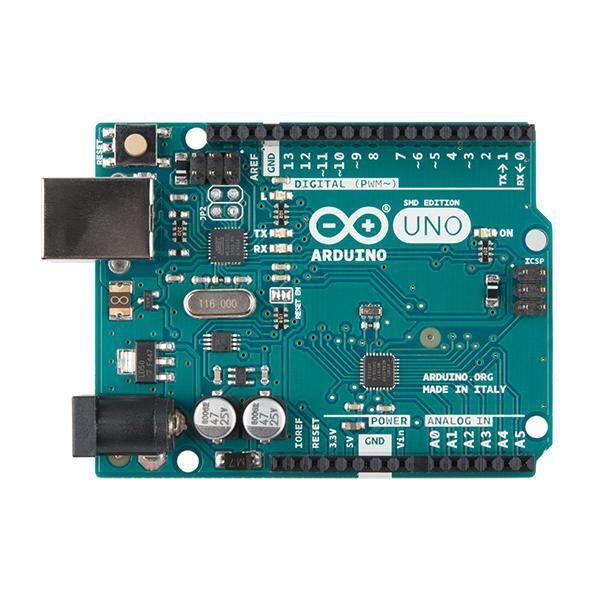
Arduino UNO (or any other Arduino)
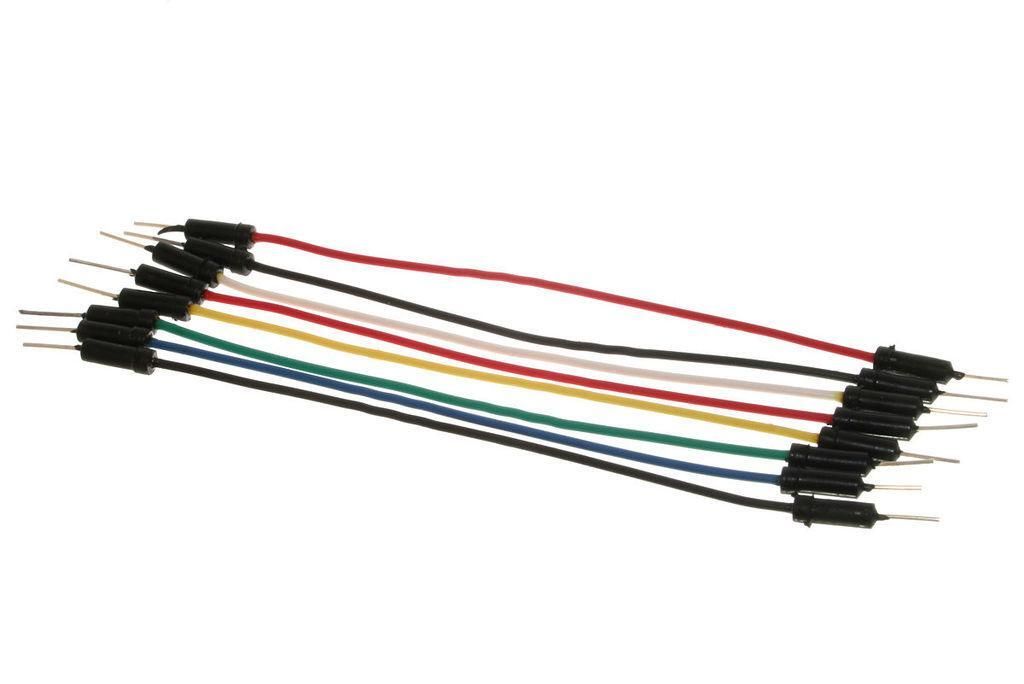
Jumper wires
Visuino program: Download Visuino
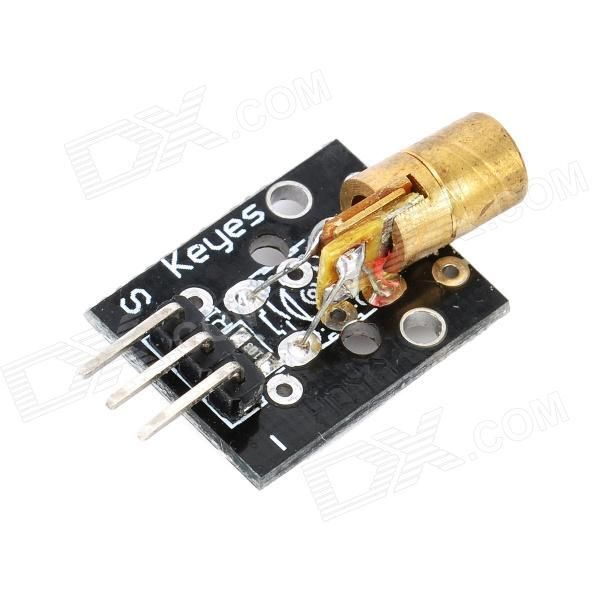
Connect the LASER pin [S] to the Arduino digital pin [10]
Connect the LASER pin [GND] to the Arduino pin [GND]

The Visuino: https://www.visuino.eu also needs to be installed. Download the free version or register for a free trial.
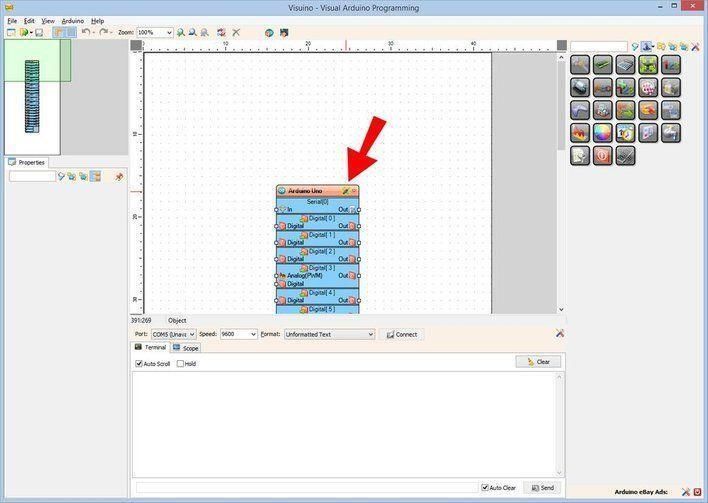
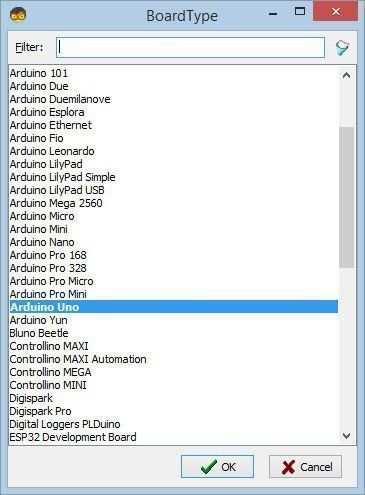
Start Visuino as shown in the first picture. Click on the "Tools" button on the Arduino component (Picture 1) in Visuino. When the dialog appears, select "Arduino UNO" as shown in Picture 2
Add "Sine Analog Generator" component
Set "SineAnalogGenerator1" component frequency to "0.2"
Connect "SineAnalogGenerator1" to Arduino Digital pin [10]
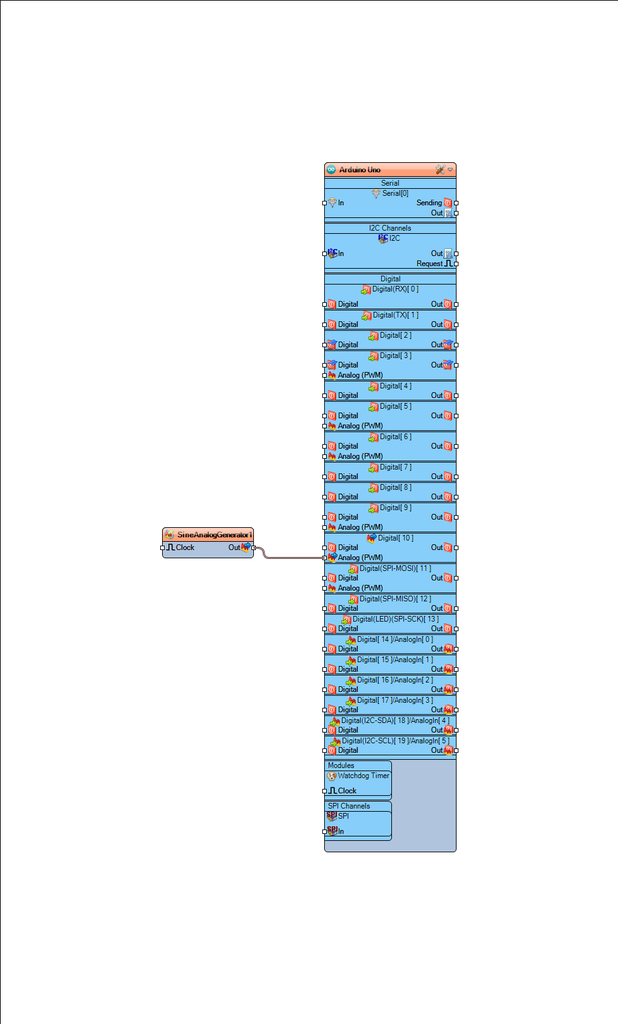
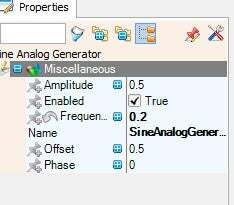
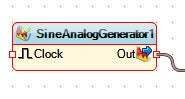
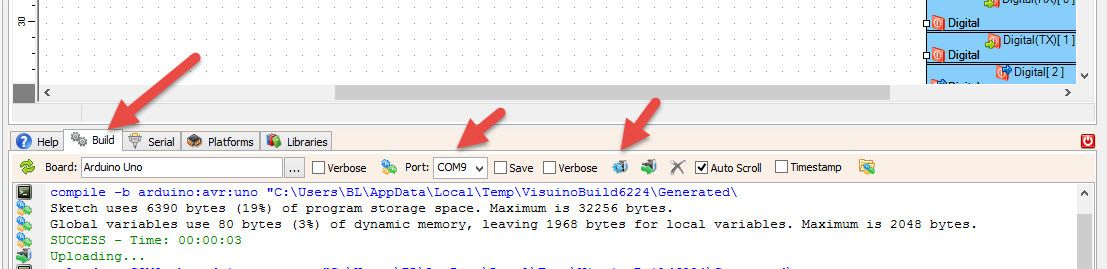
In Visuino, at the bottom, click on the "Build" tab, make sure the correct port is selected, then click on the "Compile/Build and Upload" button.
If you power the Arduino UNO module, the LASER will slowly turn ON and slowly turn OFF.
Congratulations! You have completed your project with Visuino. Also attached is the Visuino project that I created for this. You can download and open it in Visuino: https://www.visuino.eu

Co-navigazione
L'uso della funzione di co-navigazione implica il consenso alla visualizzazione remota del proprio browser da parte di un tecnico dell'assistenza DigiKey. Quando si apre la finestra Co-navigazione, fornire al tecnico l'ID della sessione indicato nella barra degli strumenti.
DigiKey rispetta il diritto alla privacy. Per ulteriori informazioni, consultare la nostra Informativa sulla privacy e Informativa sui cookie.
Sì, abilita la co-navigazione
Serve aiuto?

Ottieni risposte veloci e precise dai tecnici e dagli esperti di DigiKey sul nostro TechForum.
Visita la pagina Assistenza del nostro sito Web per tutte le informazioni su ordini, spedizioni, consegne e molto altro.
Gli utenti registrati possono tener traccia degli ordini dal menu a discesa del proprio account, oppure facendo clic qui. *L'aggiornamento di stato di un ordine potrebbe richiedere anche 12 ore una volta effettuata l'ordinazione iniziale.
Gli utenti possono iniziare la procedura di restituzione dalla pagina Resi.
Gli utenti registrati possono creare preventivi da myLists.
Visitate la pagina di registrazione e inserite le informazioni richieste. Riceverete una mail di conferma al completamento della registrazione.
Consegna rapida
Di norma, gli ordini destinati all'Svizzera sono consegnati entro 48 ore, a seconda della località.
Spedizione gratuita
Spedizione gratuita in Svizzera per ordini superiori a 54 CHF. A tutti gli ordini inferiori a 54 CHF verrà aggiunto un costo di spedizione di 20 CHF.
Incoterms
UPS, FedEx o DHL nolo prepagato: DDP (dazi doganali pagati da DigiKey)
Modalità di pagamento
Conto di credito per istituzioni e imprese qualificate
Pagamento anticipato tramite bonifico bancario
Prodotto Marketplace
Altri prodotti da Partner pienamente autorizzati
Tempo medio di spedizione 1-3 giorni; potrebbero essere applicate spese di spedizione supplementari. Consultare la pagina del prodotto, il carrello e la procedura di acquisto per i tempi di spedizione effettivi.
Incoterms: CPT (dazi doganali e imposte/IVA da versare alla consegna)
Per maggiori informazioni, visitare la pagina Assistenza
Grazie!
Tieni d'occhio la posta in arrivo, che conterrà notizie e aggiornamenti da DigiKey!
Inserire un indirizzo email
Selezionare la casella di controllo




 Svizzera
Copyright © 1995-2026, DigiKey.
Tutti i diritti riservati.
Termini e condizioni
Informativa sulla privacy
Impostazioni dei cookie
Svizzera
Copyright © 1995-2026, DigiKey.
Tutti i diritti riservati.
Termini e condizioni
Informativa sulla privacy
Impostazioni dei cookie